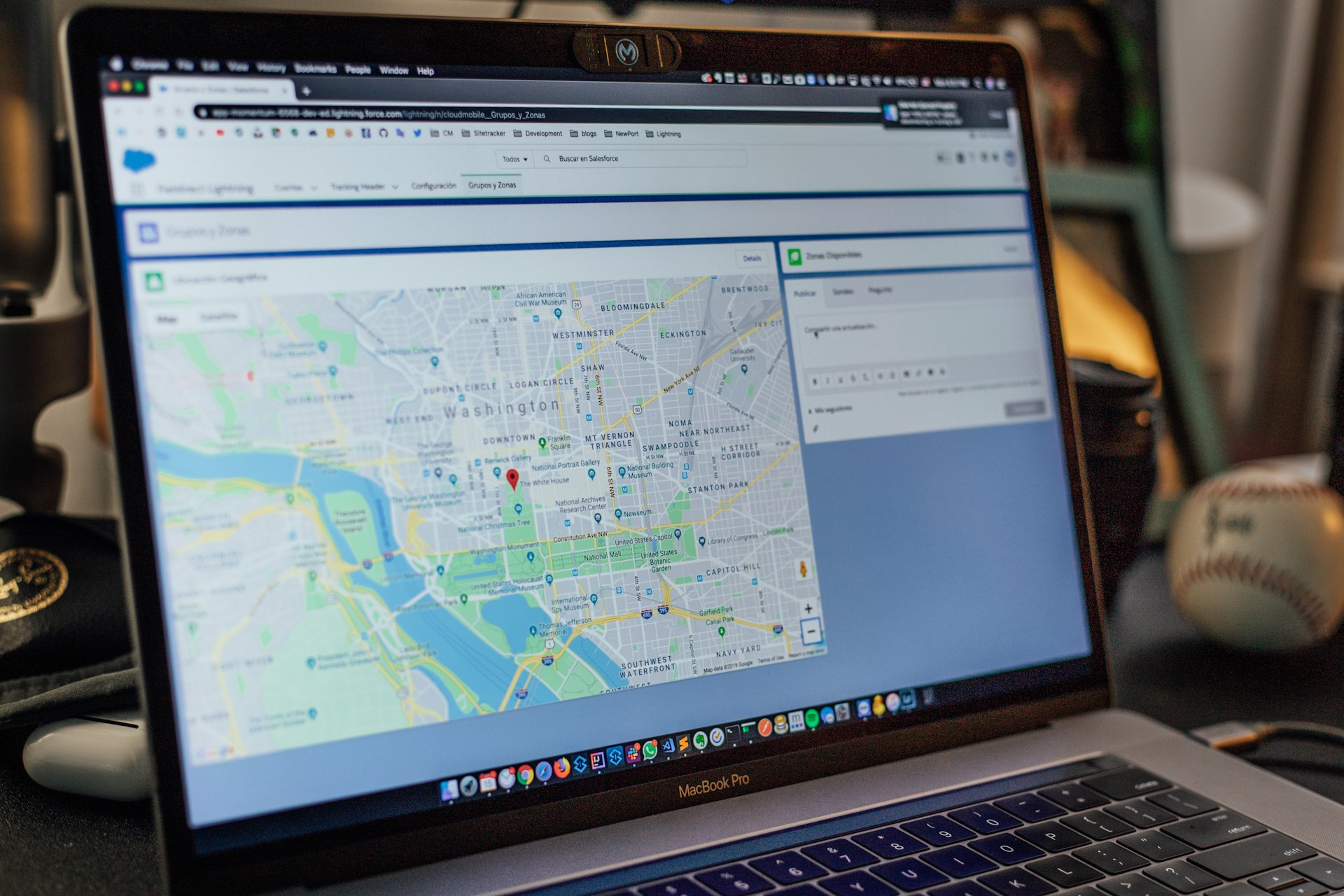
How to Get Your Business to Show Up in Google Maps
Stop Hiding From Local Customers on Google Maps
You pull out your phone, type your business name into Google Maps, and nothing shows up. Instead, the competitor down the street fills the screen, gets the clicks, and gets the call that should have been yours.
That hurts, because most local shoppers check Google before they visit or call. If you are not on the map, your phone stays quiet, your crew sits idle, and your marketing dollars feel like a gamble.
In this article, we will walk you through a simple framework to get visible on Google Maps and turn that visibility into real leads. You will see how Maps connects with your website, local SEO, and follow-up systems, and how we build those pieces into our 90-Day Growth Plan for local clients across Canada.
The Three-Channel Marketing System Behind Google Maps Wins
Marketing should be a system, not a gamble. Google Maps is powerful, but on its own it is only one channel. It works best when it is tied to search traffic and a tight follow-up process.
We use what we call a Three-Channel Marketing System:
Local search on Google Maps
Your website and local SEO
Follow-up by phone, text, and email
Here is how those channels work together for steady lead flow:
A strong Google Business Profile helps you show up when someone searches in your area
A clear website turns that Maps click into a call, form-fill, or online booking
A fast follow-up system, what we call speed to lead, turns that first contact into booked work
When we provide SEO services in Canada, we bundle all three channels into one connected marketing system. That approach helps you rise up the ranks and stay there, even when Google changes how it shows local results. You are not relying on one trick. You are building something you can keep improving month after month.
Set Up Your Google Business Profile the Right Way
Your Google Business Profile is the engine behind your Google Maps listing. If it is not claimed or set up properly, you will stay invisible.
Follow these steps to claim and set up your profile:
1) Claim your profile using your main business email, not a personal one
2) Choose the right primary category, based on how people actually search for you
3) Add your real business name, address, and phone number, exactly as they appear on your website
Then, fill in the details that build trust:
Set regular business hours and update holiday hours
List your service areas so local customers know where you work
Write a short, clear description that explains what you do, who you help, and where you operate
Upload real photos of your storefront, team, vehicles, and work
Stay away from shortcuts that can get you flagged or hidden:
Do not stuff your business name with keywords
Do not use a fake address or a mailbox location
Do not send calls to a phone that no one answers
Every missed call is a missed opportunity. If your phone rings and no one picks up, Google Maps visibility does not matter. You still lose the lead.
Use Local SEO Signals to Rise Up the Ranks on Maps
Once your profile is set, you need strong local SEO signals. Google compares what it sees on Maps with what it finds across the web. If the details do not match, your ranking can stall.
Start with your name, address, and phone number, often called NAP:
Keep your NAP identical on your website, Google Business Profile, and all main listings
Fix old or wrong listings on directories like Yelp and Yellow Pages
Remove duplicate listings that might confuse Google
Then build simple, clear local SEO on your website:
Create one page for each main service you offer
For multi-location or wider service areas, create pages for key cities or neighbourhoods
Use plain language keywords in your headings and text, like “plumber in Burnaby” or “dentist in Surrey”
Add a clear call button and contact form on every page, especially on mobile
Content is another local signal that tells Google you are a real business serving real people nearby. You can:
Share short case studies that mention local place names and job types
Add photos of real projects, with file names and alt text that include your city and service
Keep a simple blog or updates page where you talk about local issues, projects, or tips
When we deliver SEO services in Canada, we treat this local content as the base of a connected marketing system, not just a one-off blog post or keyword tweak. The goal is to support Google Maps, organic search, and your follow-up process all at the same time.
Turn Google Maps Views Into Calls with the Invisible Sales Funnel
Most businesses think the job is done once they show up on Google Maps. That is where the real work starts. Someone searches, taps your listing, maybe visits your site, then disappears. That gap is where money is lost.
We call the fix The Invisible Sales Funnel. It is the simple path from Maps view to paid work:
1) The click from Google Maps goes to a focused landing page on your site, not a generic homepage
2) The landing page has one clear offer, one clear next step, and easy contact options
3) Leads are captured and then followed up automatically through CedarCRM, so no one gets forgotten
On the landing page, keep it simple:
One main headline that says what you do and where
A short paragraph about why you are a safe choice
A short list of benefits your customers care about
A big phone button, a short form, and maybe a “text us” option
Speed to lead is critical here. Aim to respond to a new lead within a few minutes whenever you can. Use call tracking and text replies inside CedarCRM so your team can see every lead, missed call, and form fill in one place. Over a year, slow replies and missed calls add up to real lost revenue.
Stay Ahead with Reviews, Posts, and Messaging
Once your base is in place, you want to keep your Google Maps presence active and trusted. Reviews, posts, and messaging help you do that.
Reviews help both ranking and conversion:
Ask happy customers for a Google review right after you finish the job
Send a short text with a direct link so it is easy for them
Reply to every review, good or bad, in a calm and helpful tone
Posts and updates show that your business is alive and serving your community:
Share weekly or bi-weekly posts with offers, seasonal tips, or recent project highlights
Add photos from real work sites or in-store events
Mention neighbourhood names or local issues when it makes sense
Messaging can be powerful if you can respond quickly:
Turn on Google Business messaging only if someone on your team can watch it
Route messages into your Invisible Sales Funnel so they appear in CedarCRM with your other leads
Use simple templates for quick answers, then move people to a phone call or booking
This is how you turn Maps into part of a real Three-Channel Marketing System, not a random add-on that runs in a silo.
Turn Google Maps Into a Repeatable System, Not a One-Off Fix
The secret to long-term results is rhythm. You do not need to obsess over your listing every day, but you do need a basic routine.
Check your Google Business Profile stats at least once a month. Do not just look at views. Pay attention to:
Calls from your profile
Website visits from Maps
Direction requests and where people are coming from
Then, build a simple 90-Day Growth Plan around your local SEO and Google Maps work:
Month 1, set up and fix the basics for your Google Business Profile and website
Month 2, start review requests, weekly posts, and new local content on your site
Month 3, tighten your follow-up with CedarCRM, speed to lead rules, and better call handling
From there, you can review what worked, keep what is driving leads, and adjust what is not. Marketing should be a system, not a gamble. When Google Maps, your website, and your follow-up all work together, you are not just showing up on a screen. You are building a steady flow of local customers who can actually find you, contact you, and book you.
Get Started With Your Project Today
If you are ready to improve your online visibility and attract more qualified leads, our team is here to help. Explore our tailored SEO services in Canada to find the right fit for your goals and budget. At Curve Communications, we work closely with you to build a clear, data-backed strategy that supports long-term growth. Have questions or want to talk through your next steps first? Simply contact us and we will follow up with you promptly.
